◆  Windows  ·  Free  ·  Beat-reactive

Lyric
Overlay

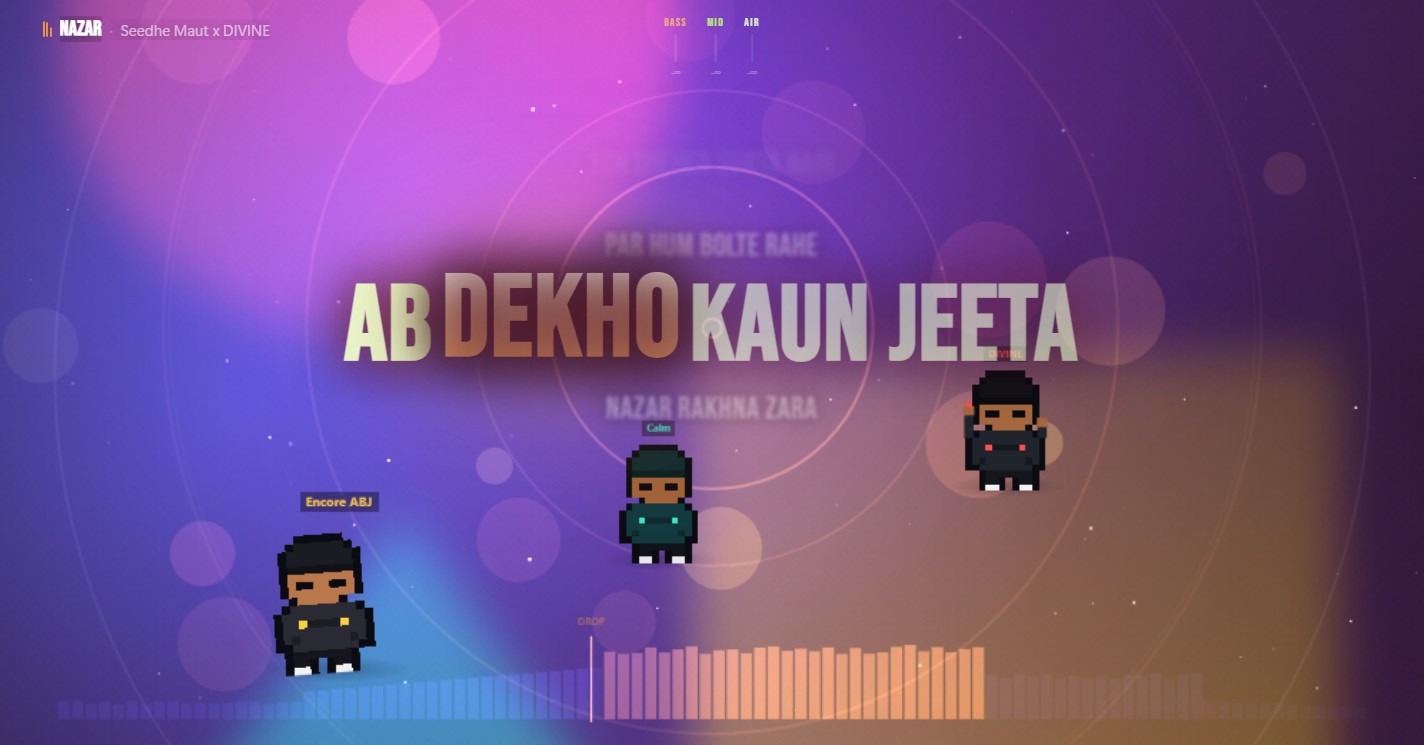
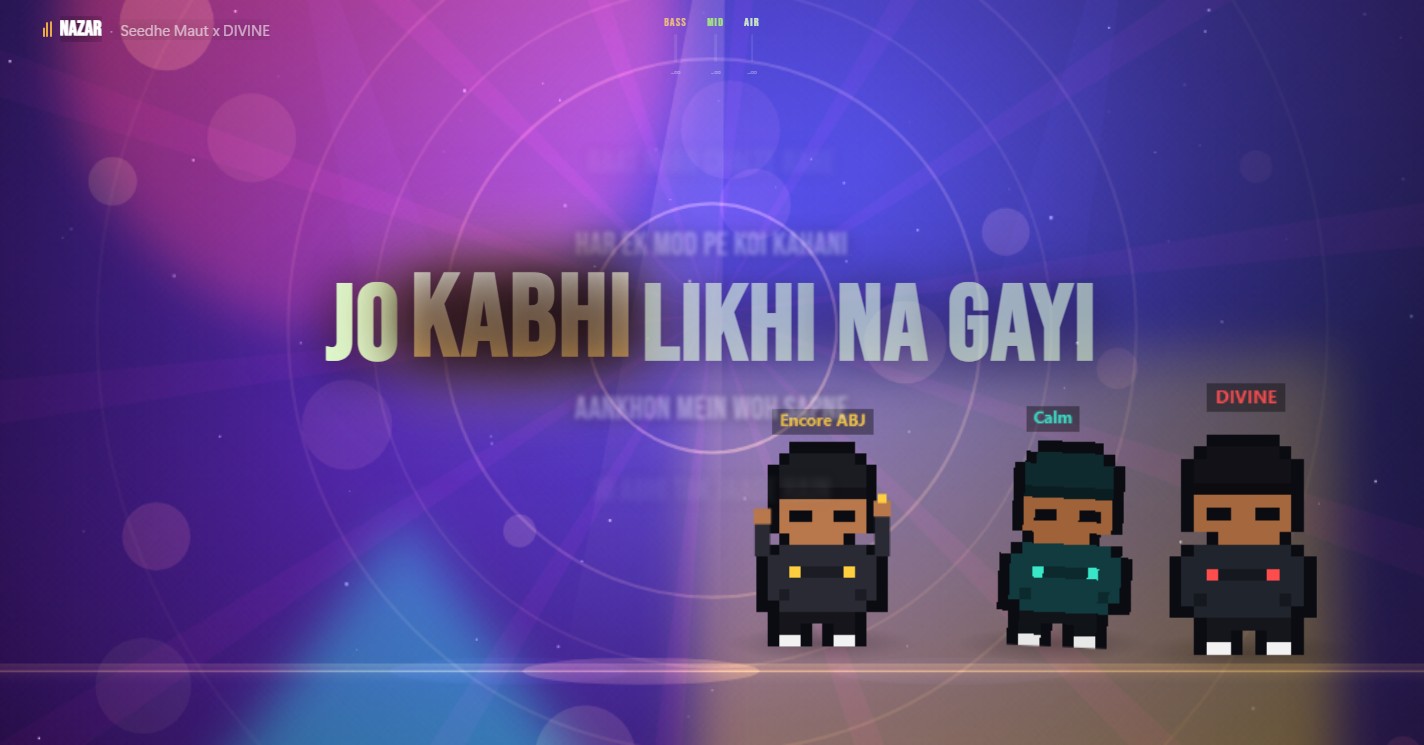
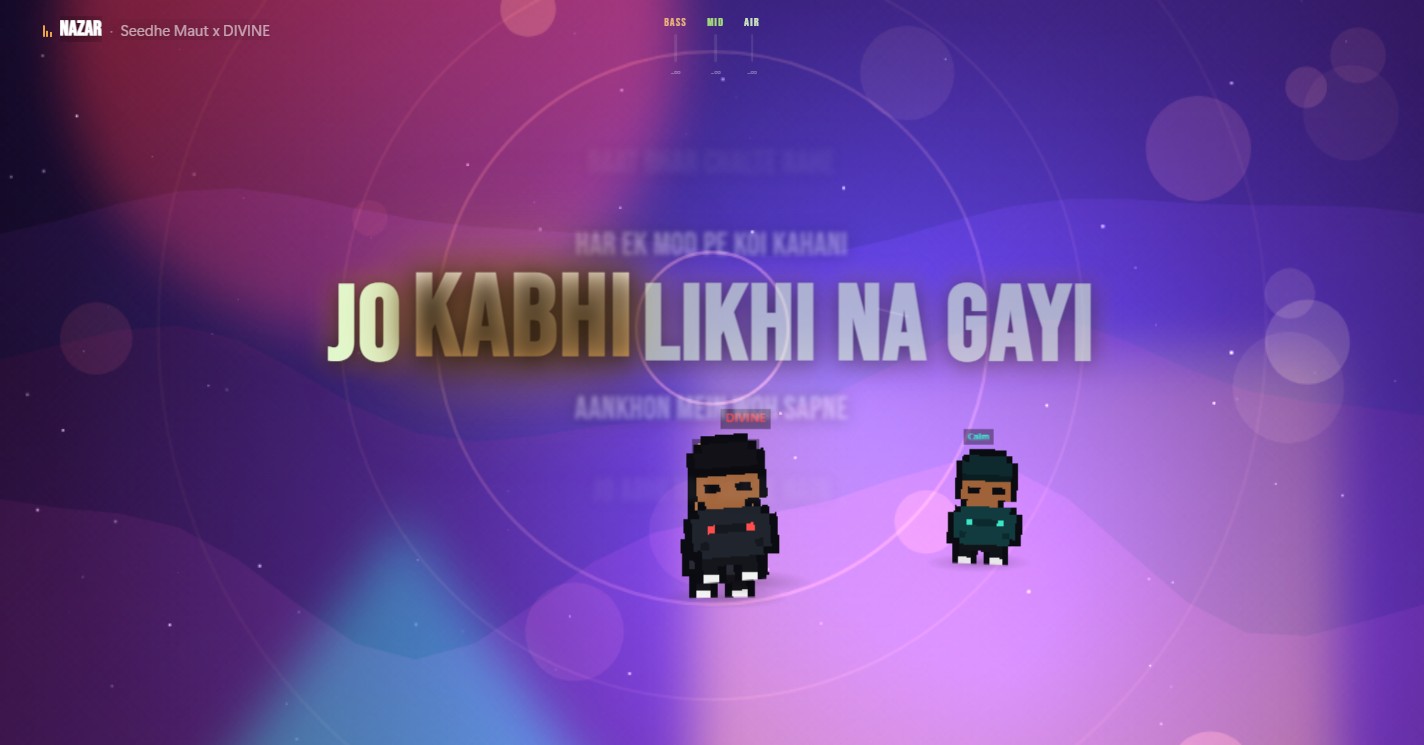
Turn whatever you're already playing into a show — beat-synced lyrics and a live visualizer that move with your system audio.

Live visualizer · running now

Not just

A lyric app

Every lyric app on Windows is a text renderer — a bar, a taskbar strip, a floating line. None of them react to the music.

Not just

A visualizer

MilkDrop, Plane9, Wallpaper Engine — hundreds of scenes between them, and not one shows you a single word of what's playing.

Lyric Overlay is

Both, at once

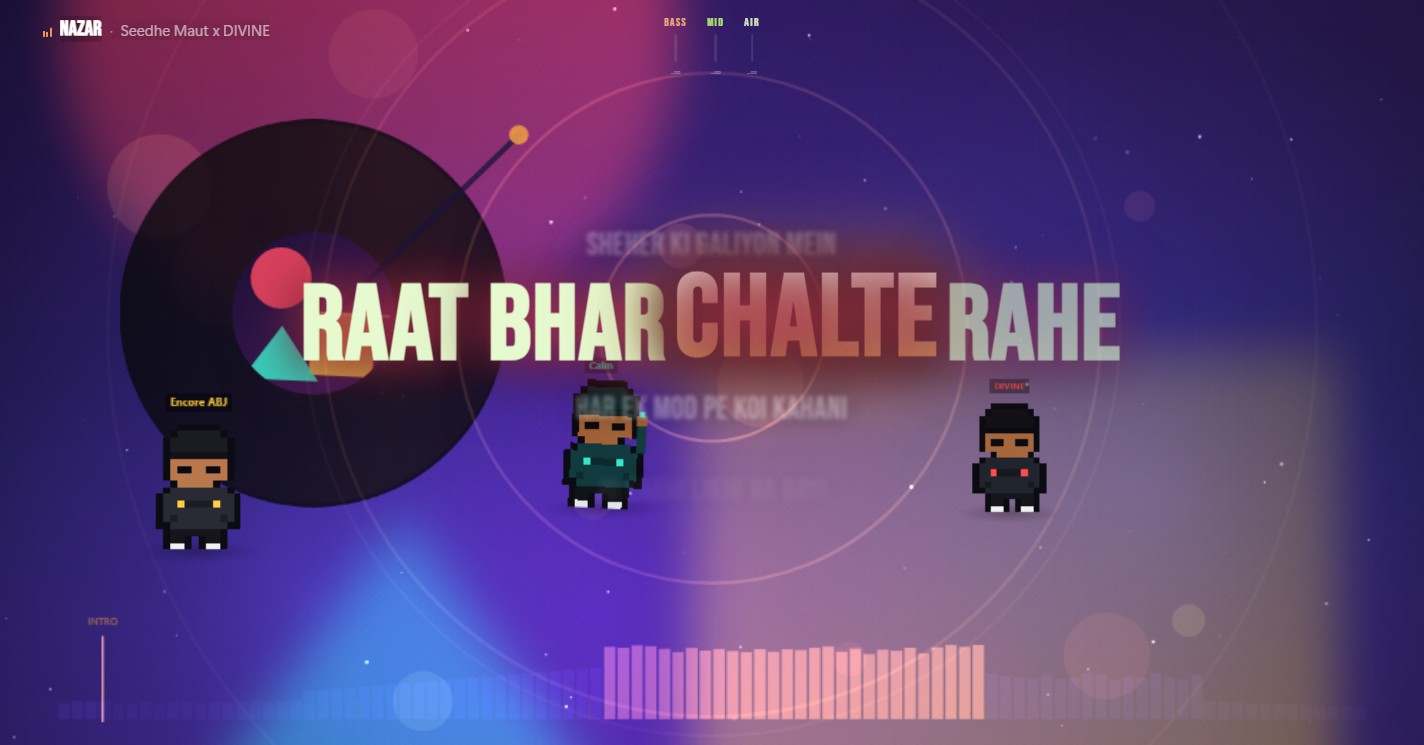
Real MilkDrop-class visuals underneath words that land on the beat — synced, translated, transliterated. Nobody else sits in that overlap.

// What it does

Every song,
a live set.

It all runs in real time off the audio on your machine — the words, the colour, the motion.

01

Lyrics on the beat

Per-word timing and animation that land with the music instead of scrolling past it.

02

Live visualizer

Real MilkDrop presets and GPU swirl fields warping and pulsing with every drop. Respects your OS's reduce-motion setting if you'd rather it didn't.

03

Auto-transcribe

No synced lyrics? On-device Whisper writes the timings for you — fully offline, and now on every core instead of one. It skips the instrumental stretches, so it stops inventing words over them.

04

Translate & romanize

Read along in your own script with AI or on-device translation and transliteration.

05

Reads your player

Picks up now-playing straight from Windows. No share-picker, no configuration.

06

Wallpaper mode

Send the whole thing behind your icons and run it as a living desktop — it pauses itself on battery, at the lock screen, or behind a fullscreen game.

07

Starts instantly

Words for the next track are fetched while the current one is still playing — from your queue, or from what usually follows this song. Play it again and it opens with the lyrics already there.

08

Measures the song

Open a file and it reads the whole track before the first chorus: the real tempo and every beat position, the key, where the sections change, and how hard it was mastered — so the visuals move with the music instead of guessing at it a second late.

09

Stays out of the way

The heavy work — speech, analysis — runs in a separate low-priority process that can't stutter the visuals, and can't take the app down with it if it falls over.

// Try before you install

Play it right
in the browser.

Drop in a track, add the artist and title, and watch the same engine light up with synced lyrics. The Windows app does it automatically for everything you play.

// Free · get it your way

Ready when
the music is.

The Windows app is the full experience. macOS and Linux run the visuals and lyrics — reading your system's now-playing is Windows-only for now. The Windows installer is about 24MB — that includes the offline speech engine, and still no bundled browser runtime, unlike most desktop apps in this space. It isn't Authenticode-signed yet, so Windows SmartScreen may warn on first download; the Microsoft Store build below will be the signed, warning-free path once it's live.

Latest release · — direct downloads · or play in your browser, installable on Android & desktop